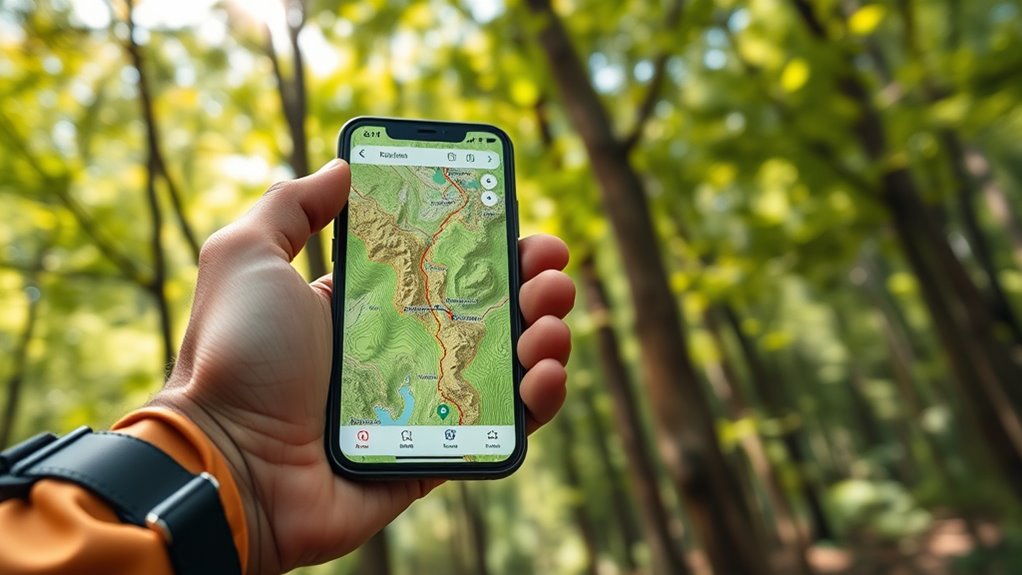

To use offline maps like a pro, make sure your device’s GPS is calibrated and track signal strength regularly. Customize your maps by selecting relevant layers such as trails, POIs, or terrain, and update them frequently before heading out. Download maps in advance and verify they’re complete. Take advantage of markers and notes to personalize your navigation. For more expert tips on maximizing accuracy and confidence, continue exploring how to optimize your offline map experience.
Key Takeaways
- Download and update offline maps before your trip to ensure data accuracy and availability.
- Customize map layers to highlight relevant features like trails, elevation, or landmarks for your activity.
- Calibrate your device’s GPS and monitor signal strength frequently for precise navigation.
- Use personalized markers and notes to mark waypoints, hazards, or campsites for easy reference.
- Combine environmental cues with GPS data to enhance orientation in areas with weak or fluctuating signals.
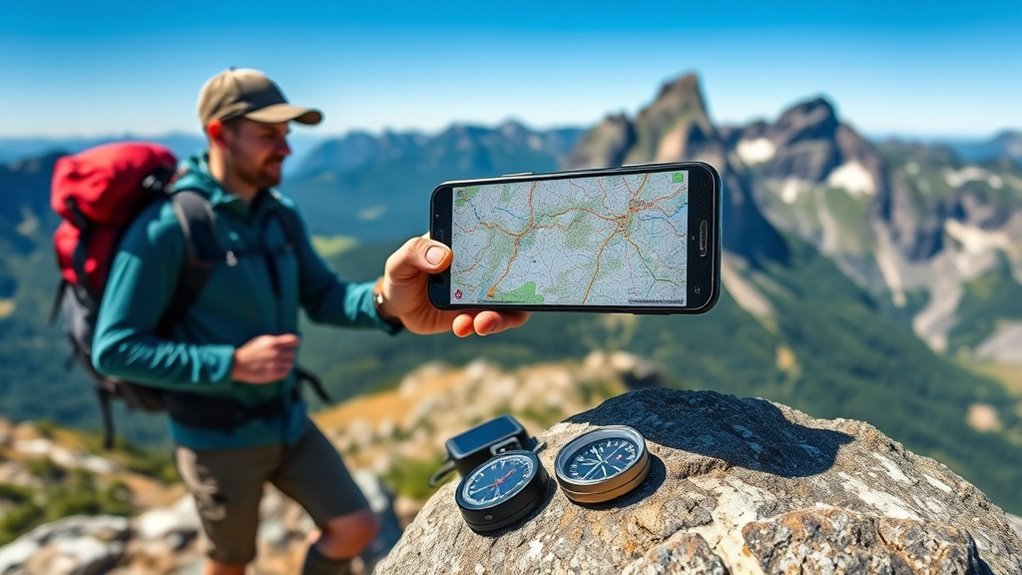
Exploring unfamiliar areas becomes much easier when you know how to use offline maps effectively. Whether you’re hiking in remote wilderness or navigating a city without reliable internet, understanding how to optimize offline maps can make all the difference. One key aspect is ensuring GPS accuracy. When you download an offline map, you’re relying on your device’s GPS to pinpoint your location precisely. To maximize this, make sure your device’s GPS is calibrated correctly before heading out. Keep your device’s location services enabled and give it a few moments to lock onto satellites. The more satellites it connects with, the better your GPS accuracy will be, allowing you to follow your route without unnecessary detours or confusion. Remember, tall buildings, dense forests, or even certain weather conditions can interfere with GPS signals, so stay aware of these factors and adjust your expectations accordingly. Additionally, GPS signal strength can fluctuate based on your environment, so staying aware of this can help you interpret your device’s navigation cues more effectively.
Another crucial tip is map customization. Most offline map apps allow you to tailor the maps to suit your specific needs. Before you hit the trail or the road, explore the options for customizing your map. You can often select which layers to display, such as topographic details, street names, points of interest, or trail routes. Customizing the map helps reduce clutter and highlights the information most relevant to your journey, making navigation smoother. For example, if you’re hiking, emphasizing trail markers and elevation contours can be more useful than city street labels. Conversely, if you’re driving, focusing on road networks and landmarks might be better. Many apps also let you add your own markers or notes to the map, which can be invaluable for marking trailheads, campsites, or hazards. This level of map customization ensures that you have an efficient, personalized navigation experience, even when offline.
To get the most out of your offline maps, always update them regularly while you have internet access. New roads, points of interest, or trail changes can be added to keep your maps current. Before setting out on your trip, double-check that your maps are fully downloaded and stored on your device. Test your GPS accuracy in a familiar area to confirm everything is functioning correctly. This way, you’ll avoid surprises when you’re in the middle of your adventure. By paying attention to GPS accuracy and customizing your maps, you gain confidence and control over your navigation, making offline mapping a powerful tool in your outdoor or remote travel arsenal. With a little preparation, you’ll navigate unfamiliar terrain as if you’ve lived there forever.
offline GPS navigation app
As an affiliate, we earn on qualifying purchases.
As an affiliate, we earn on qualifying purchases.
Frequently Asked Questions
Can Offline Maps Be Used for Navigation Without Internet?
Yes, you can use offline maps for navigation without internet. Once you’ve downloaded the map, you can navigate, view your location, and follow routes. Keep in mind, offline maps have limitations like not updating real-time traffic or weather. You can still customize your map for better navigation, but you won’t get live data updates. Make sure to plan ahead and download necessary maps before heading offline.
How Much Storage Space Do Offline Maps Typically Require?
Did you know that offline map file sizes can range from just a few megabytes to over a gigabyte? You’ll find that storage optimization is key, as map file sizes depend on the area covered and detail level. Typically, a city map may require 100-300MB, while nationwide maps can take up several gigabytes. Planning ahead guarantees you have enough space without sacrificing detail or functionality.
Are Offline Maps Available for All Countries and Regions?
Yes, offline maps are available for most countries and regions, but map accuracy and regional coverage can vary. You’ll find thorough options for popular destinations, but some remote areas may have limited data. Before you go, check the map’s coverage to guarantee it includes your destination. Download updates when possible, so your offline maps stay current and reliable, helping you navigate confidently wherever you are.
How Often Should Offline Maps Be Updated?
You should update your offline maps regularly, ideally every few months, to guarantee the map update frequency stays current. This practice is vital for offline map maintenance, as roads, businesses, and landmarks can change frequently. By keeping your maps up-to-date, you avoid navigation errors and enjoy accurate directions even without an internet connection. Make it a habit to check for updates periodically, especially before long trips or when traveling to new areas.
Can I Share Offline Maps With Others?
Yes, you can share offline maps with others, but it depends on the app’s map sharing features and offline map compatibility. Some apps allow you to export or share downloaded maps directly, making it easy to send them via email or messaging. Make sure the recipient’s device and app support the same offline map format. Keep in mind, shared maps may need updates or re-downloading if the data changes.
topographic offline maps for hiking
As an affiliate, we earn on qualifying purchases.
As an affiliate, we earn on qualifying purchases.
Conclusion
Now that you’ve mastered offline maps, you’ll never get lost again—no matter how wild the terrain gets or how bad the signal drops! You’ll feel like a navigation superhero, conquering every adventure with confidence and ease. Say goodbye to anxiety and hello to unstoppable exploration. With your new skills, you’re basically a map-reading wizard, ready to take on the world’s most challenging paths. Get out there and prove that no route is too tough for you!
GPS calibration device
As an affiliate, we earn on qualifying purchases.
As an affiliate, we earn on qualifying purchases.
personalized map markers for offline navigation
As an affiliate, we earn on qualifying purchases.
As an affiliate, we earn on qualifying purchases.